- A job board or job recruiter website.
- A social networking website.
- A resume or cover letter creation website.
About Zearfoss (demo site)
Site Overview
Zearfoss (demo site) is a single place to manage your job searches and career information.
While there are many job sites and sites to help write your resumes and cover letters, the tools to manage a job search are sorely lacking which forces people to still resort to Excel spreadsheets and email programs to track job applications that have often been submitted to multiple job boards and corporate websites.
Zearfoss (demo site) allows you to keep all your job search information in one place. It includes advanced search features so you can quickly access information about any application you have submitted. The cover letter and resume that you submitted with an application to an employer are attached to your application information so you no longer have to wonder what resume or cover letter you submitted.
While all of you career information is private, the website also allows you to add information about your projects, awards, hobbies, and skills that can be made public so you can showcase them to potential employers.
A demonstration of this website is at https://demo.zearfoss.com. A demonstration of this website is at https://zearfoss.com.
"I created this site to help organize my own job search so I designed it in a that is most useful to myself. I am interested in any input about the design and additional features that would make it more useful to other users." - Craig Zearfoss
Site Details
The primary purpose of Zearfoss (demo site) is to provide a single place for you to track and manage all of your career and job search information.
The secondary purpose is to all you to manage data about your accomplishments, projects, skills, hobbies, etc. to create a public profile as a showcase for potential employers.
What this site is NOT:
Admin Preview
A tour of the Zearfoss (demo site) admin area is still in the works, but below is sample of some of the pages to give an overview of some of the functionality.
Career Menu Options
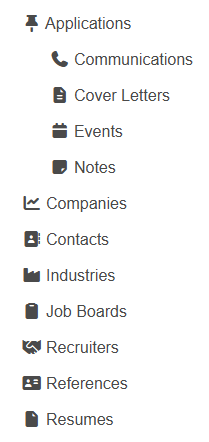
The career menu options are where you manage and track your job search and career information,
They allow you to track your job applications and record the communications and events associated with each application. You can also add notes to the application. You can attach a resume and cover letter to each application so you'll know exactly what you sent with each application.
The career menu options also allow you to maintain a list of companies and information about them, including contacts. In addition, there is an address book for you to manage your references.
None of the career menu options are intended to be open to the public (but you can mark any option publicly viewable if you wish).
All of the career menu options are fully searchable allowing you easy access to specific information. To see the application search panel click HERE.
Portfolio Menu Options
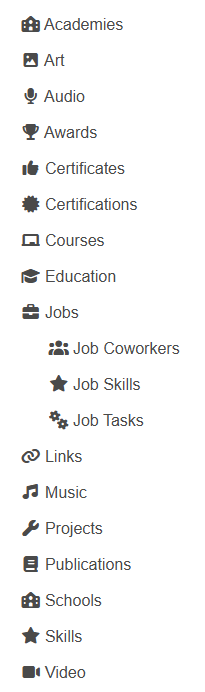
The portfolio menu options are where you can record your accomplishments and information about your interests and hobbies. These are primarily intended for your work and career-related activities to highlight them for potential employers. Non work-related personal hobbies are generally added to the personal menu options.
By default, all portfolio menu information is publicly accessible, but you can mark any item as private. The only exception to this are job coworkers which are private by default, but you can make any of them public.
Personal Menu Options
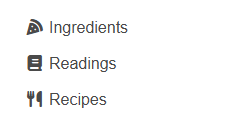
Personal menu options are where you add information for your non work-related hobbies and interests. Right now it only includes readings and recipes, but there are plans for many others.
By default, all personal menu information is publicly available, but you can mark any information as private to prevent anyone from seeing it.
Applications Listing
This page consists of a list of all you job applications. It contains an advanced search panel so you can finely tune your searches to quickly find what you're looking for.
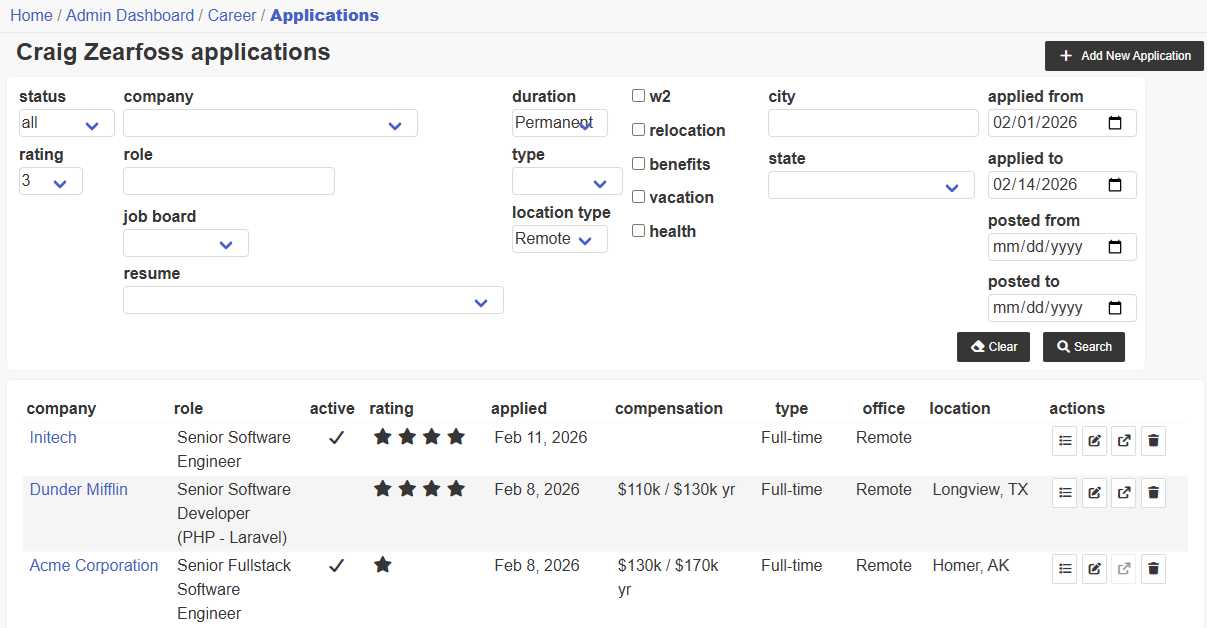
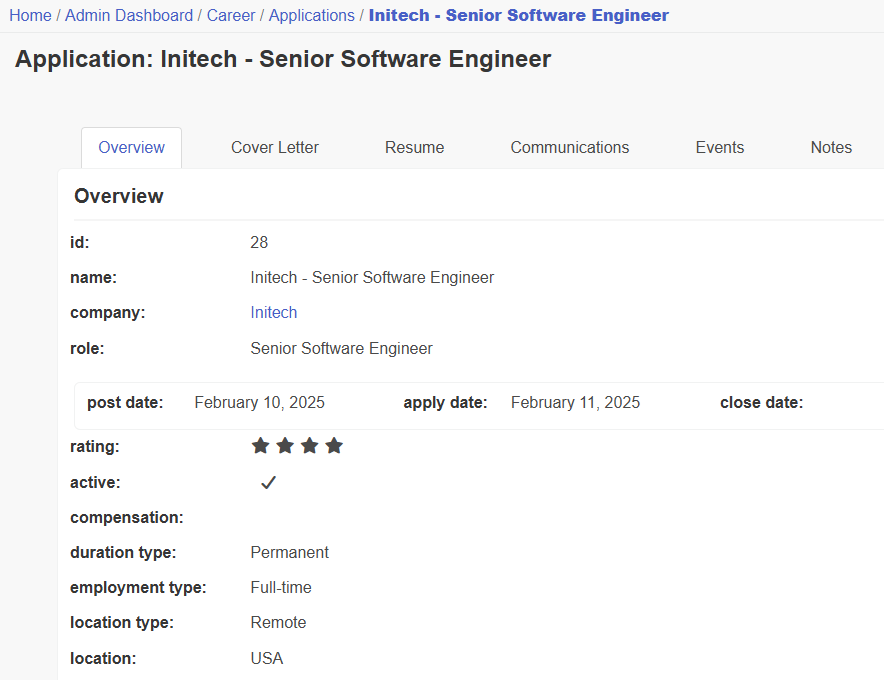
Application Overview
This tab contains all of the information about a job application. There are also separate tabs for the cover letter, resume, communications, events, and notes.
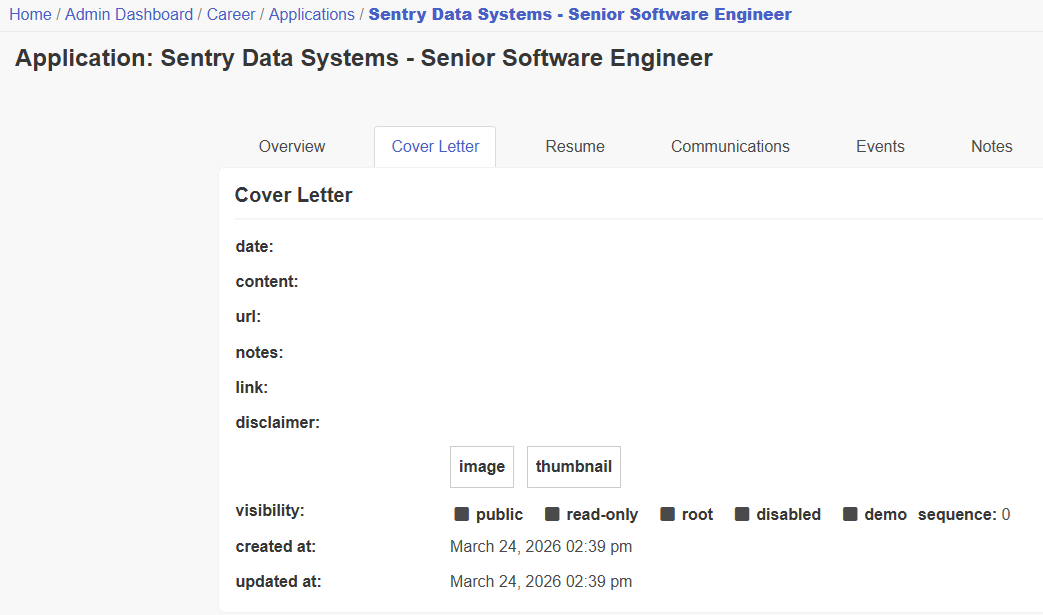
Application Cover Letter
This tab shows the submitted cover letter content and a link to the cover letter content.
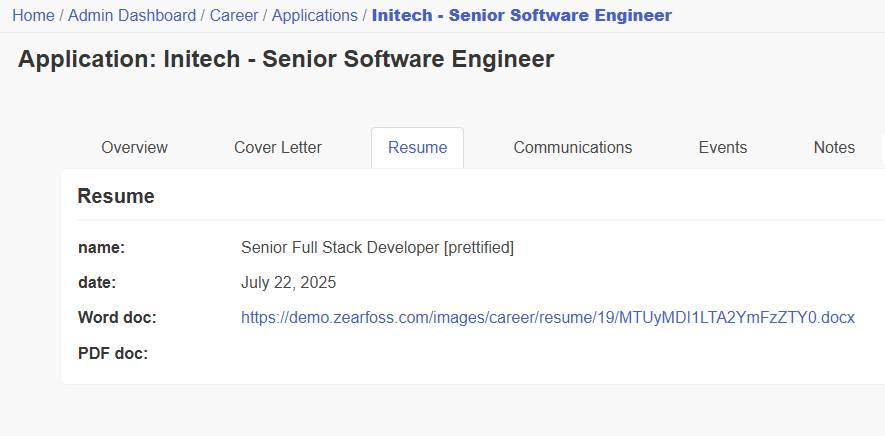
Application Resume
This tab shows the name of the submitted resume and a link to the resume file.
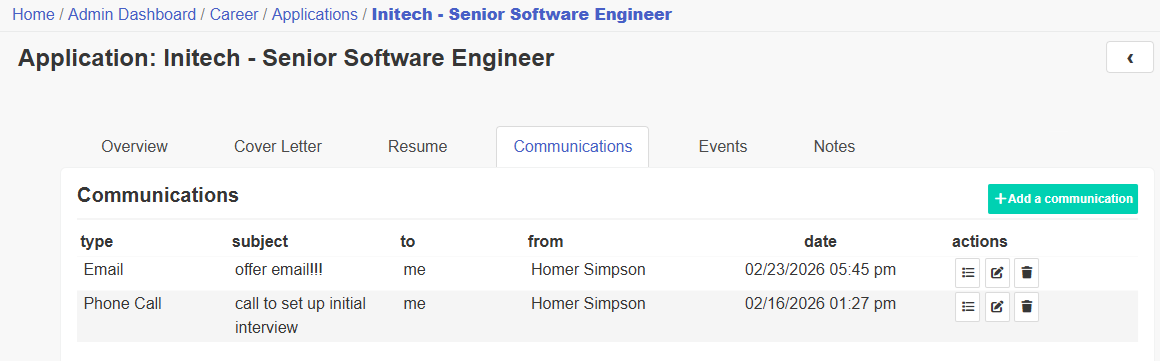
Application Communications Listing
This tab shows a list of all communications associated with the application. These communications need to be entered manually because there is no import functionality.
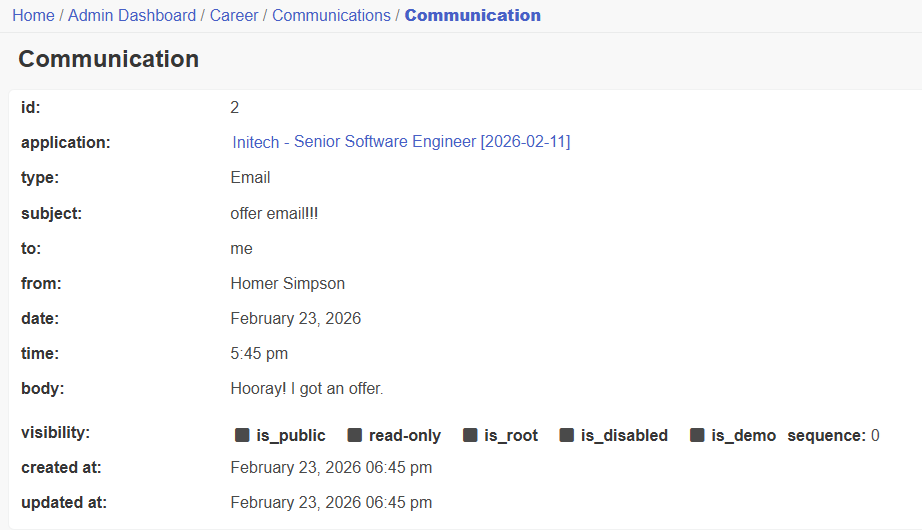
Application Communication View
This page shows the details about an application communication.
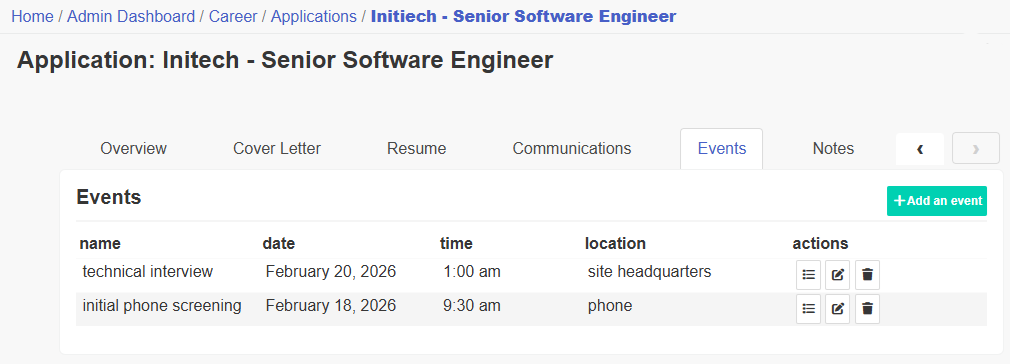
Application Events Listing
This tab shows a list of all events associated with the application. These can include phone interviews, zoom calls, skills tests, or other events.
These events need to be entered manually because there is no import functionality.
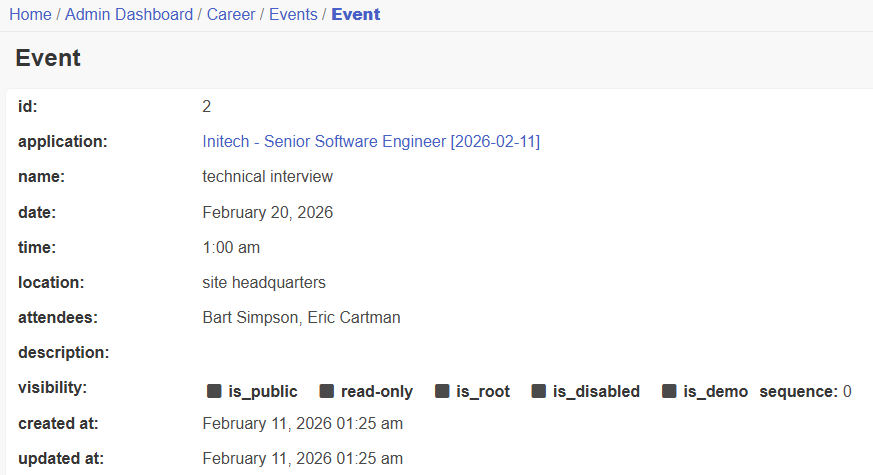
Application Event View
This page shows the details about an application event.
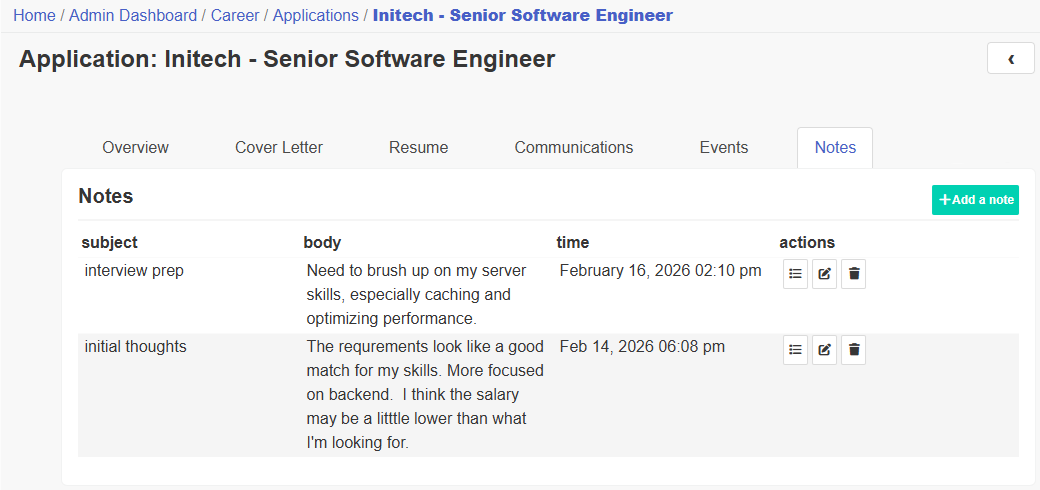
Application Notes Listing
This tab shows a list of notes about the job requirements, the company, or any other information you think is important about the job application.
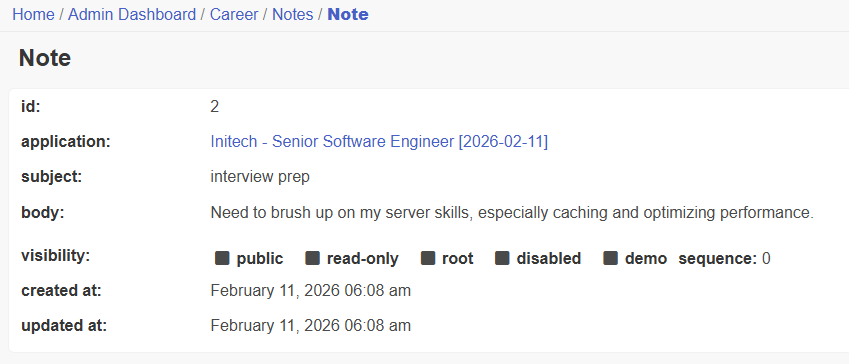
Application Note View
This page shows the details about an application note.
Dictionary
The website also include a dictionary of technical job-related terminology. The dictionary is accessible from items on both the left and top menus.
It has been initially created for software developers so it is very computer and network focused but there are plans to make it cover a broader range of terminology.
Currently it contains terminology for databases, web frameworks, programming languages, software libraries, operating systems, computing servers, and technology stacks.
Only admins with root privileges can add or edit dictionary entries.
Technical Overview
The following technologies are used on the website.
- Laravel 12 framework
- Bulma CSS
The following technologies have not yet been implemented.
- Vue3.js - For dynamic menu system, as well as a more responsive front end design.
- AG Grid - For enhanced data display and search functionality.
- Redis - For caching permissions and menus.)
The site framework supports multiple admins. Each admin has control over their own data, but cannot see the data of any other admin unless that data is marked as "public". However, if an admin has root privileges, they can see and edit the data of any other admin.
In addition to admins, the framework also supports a multiple user member area but this feature is not currently being used. When it is implemented, a person will be able to request a user account that will then need to be approved by a root admin.
This framework also allows themed templates so the site administrator can create custom templates for pages without needing to modify the core template code.
Roadmap
Below are a list of features and/or enhancements that are to be added to the Zearfoss (demo site) website. They are in no particular order.
User Features
- Add-multi factor authentication.
- Add captcha.
- Add file upload functionality.
- Make menus collapsible, probably using Vue.js.
- Implement tables with AG Grid.
- Implement skill tags for applications.
- Add type-ahead to select lists.
- Create downloadable Excel reports.
- Work on responsive design for mobile.
- Prettify the site. Possibly implement light and dark themes.
- Create a one-click method to bookmark job application webpages and import and parse the job description content.
Backend Functionality
- Cache permissions and menus. (Most likely with Redis.)
- Create database backup and import scripts.
- Create an API and implement ajax calls on form pages.
- Add geo positioning trait for addresses
- Create functionality to log off other admins and users from the admin.
- Stress test the site to verify it's performance.
- Add billing. (Only if I feel the site is marketable.)
In order to make this project economically feasible we will have have to offer memberships. I would like to keep the price of membership as low as possible, because I understand how stressful searching for jobs can be. We will determine on plan of action based on user interest.
There are no ads on this website. There are no plans to ads to the site, but if we determine adding ads will allow us to create the price of memberships low we may consider it.